
I seem to have a habit of reaching the point where a piece of software annoys me enough that I decide it would be easier to build my own.
Today it was client management and invoicing.
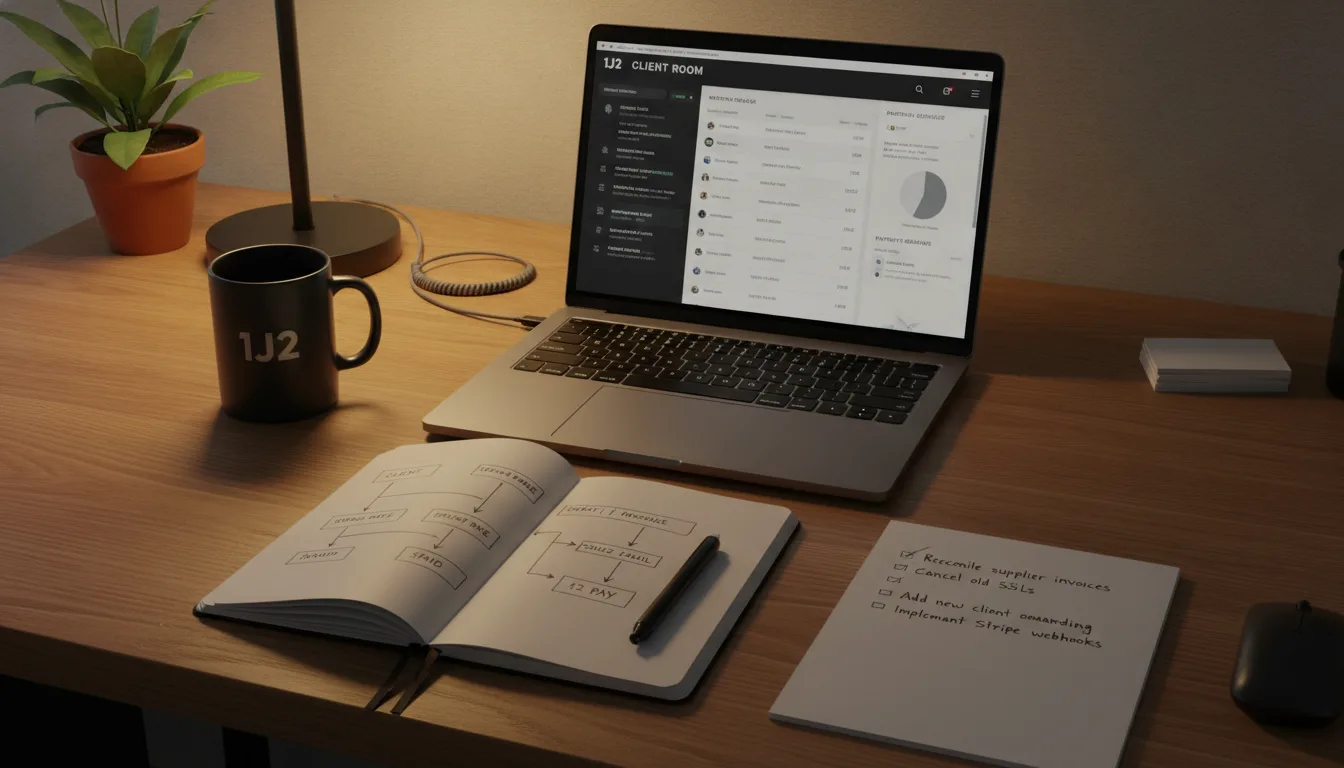
What started as a fairly simple idea has turned into a proper new part of the 1J2 system: Client Room.
It now handles my clients, the recurring services I provide for them, billing dates, invoices, email delivery, payments, payment reminders, activity history and reporting.
And unlike a lot of things I build experimentally, this one is going straight into day-to-day use.
Why build another system?
I have used third-party accounting and invoicing tools for years. They work, but increasingly I found myself maintaining information in several different places.
A client might have hosting, a domain name, website maintenance and some development work. The actual services were one thing, the invoice was somewhere else, payment information was somewhere else again, and inevitably there were little bits of knowledge that existed mostly in my head.
That is manageable when everything is quiet. It becomes less sensible when you are also building other businesses, websites, content systems and tools at the same time.
The more of 1J2 I have brought into my own systems, the more obvious it has become that client work should be treated in exactly the same way.
Starting with the services, not the invoice
One of the things I wanted to get right was the relationship between a client and the things I actually provide for them.
So rather than thinking of everything as an invoice line, Client Room has recurring service profiles.
A client can have website hosting, domain registration, maintenance, email hosting, development or another service attached to them, each with its own price, VAT rate, billing frequency and next billing date.
That sounds obvious, but it changes the way the system works.
The invoice becomes an output of the relationship rather than the place where the relationship is stored.
When a service reaches its billing date, the system knows what is due and can prepare the corresponding invoice.
The invoice can now build itself
This was probably the point where the project stopped feeling like a simple admin screen.
Client Room now automatically creates draft invoices when recurring services become due.
I have also set up a daily scheduled task, so every morning the system checks what needs billing and creates anything that is due.
There is duplicate protection built in, so the same service and billing period cannot accidentally produce another invoice just because the process runs again.
I still remain in control of the important part. A draft does not automatically email itself to a client and it does not advance the next billing date simply because it exists.
I can check the invoice first, change the description, add work, remove something, reorder lines or add a one-off item.
Only when I actually send it does it become a sent invoice and the recurring billing schedule moves forward.
Email is built in too
Invoices are sent directly from my normal 1J2 email account using Gmail.
There is a proper email composer inside Client Room, so I can change the recipient, subject or message before sending rather than generating a generic email somewhere else and hoping it looks sensible.
The system keeps the delivery information alongside the invoice too, including when it was sent and whether it has subsequently been resent.
That might sound like a small thing, but having the communication and the billing record in one place is exactly the sort of boring detail that makes an internal system genuinely useful.
Payments go through 1J2 Pay
I had already built 1J2 Pay as a central payment layer for other projects, so Client Room now uses that too.
When an invoice supports online payment, the email can contain a secure payment button which takes the client through the existing 1J2 payment system.
Once Stripe confirms the payment, Client Room is notified and the invoice is marked as paid automatically.
There is no copying a payment reference into another system or manually changing an invoice if I do not need to.
It is a relatively small loop:
Invoice sent. Payment made. Payment confirmed. Invoice paid.
But it is now my loop from beginning to end.
And yes, it chases unpaid invoices
Not automatically, I should add.
I deliberately did not build a system that starts aggressively emailing somebody because an invoice crossed midnight.
What Client Room does instead is show me what is overdue, how much is outstanding and how many days an invoice has been waiting.
I can then send a payment reminder from inside the system when appropriate.
The reminder has its own history, separate from the original invoice email, so I can see exactly what was sent and when.
That feels considerably better than relying on memory or scrolling through an inbox trying to work out whether I have already chased something.
A timeline for each client
Another part I added today was an activity timeline.
Open a client and I can now see the history of invoices being created, invoices being sent, payments arriving, reminders going out and recurring services being changed.
It gives me one chronological record of the relationship instead of making me reconstruct it from several systems.
That is probably one of the features that will become more useful the longer the system exists.
Then I inevitably built reports
Once all of that data was sitting in one place, not building the reporting page would have been a bit ridiculous.
So Client Room can now show me recurring monthly value, paid revenue, outstanding invoices, overdue invoices, expected billing over the next few months and which clients and services are generating revenue.
There is also payment behaviour data, so over time I will be able to see how quickly invoices tend to get paid rather than relying on a vague impression of it.
Again, none of this is revolutionary accounting software.
The advantage is that it is reporting on exactly the information I care about, in exactly the way I want to see it.
A small announcement for existing 1J2 clients
There is one practical consequence of all this for my existing clients.
From now on, 1J2 invoices will be generated and sent through my own Client Room billing system.
You may therefore notice that future invoice emails look slightly different from previous ones.
There is nothing you need to change or set up.
Invoices will still arrive by email as normal, and where online payment is available the invoice email will include a secure payment link.
The change is mainly behind the scenes. It gives me a much clearer view of the services I provide, when they are due for renewal, what has been invoiced and what has been paid.
It should also mean fewer opportunities for something to get missed.
The slightly less glamorous benefit
Building the system has already exposed another job I need to do.
I downloaded years of purchase history from one of my hosting suppliers and immediately found services that have continued renewing for clients I no longer work with.
That includes SSL certificates I should never have paid to renew this year.
It is exactly the sort of quiet business leakage that can carry on indefinitely when the thing you charge a client for and the thing your supplier charges you for live in completely different systems.
The next step is therefore reconciliation.
I want to compare what I am paying suppliers for against the active recurring services inside Client Room.
That should make two things obvious: services I am paying for that should be cancelled, and services I am providing to current clients that perhaps should be billed but currently are not.
Not particularly exciting work, but potentially rather profitable work.
Another piece of the 1J2 operating system
That is probably the bigger story for me.
I no longer really think of 1J2 as a collection of websites.
The affiliate tools, content systems, analytics, payment infrastructure, publishing tools and now Client Room are gradually becoming one operating system for the things I do online.
I am not building software because I particularly want another software product to maintain.
I am building it because each time I remove another disconnected process, I get a slightly clearer picture of what is actually happening across the business.
Today that happened to be invoicing.
Tomorrow, apparently, I need to find out how much money I have been quietly donating to old SSL certificates.


